
Focus timer
A focus timer that knows the task, and guards it.
Floe’s timer starts from the block you planned, keeps the time on your Lock Screen and in the Dynamic Island, and holds back the apps that pull you in until it’s done.
How it works
Start from your plan
Each focus block in your timeline knows its task and its length. One tap starts it.
Pick your clock
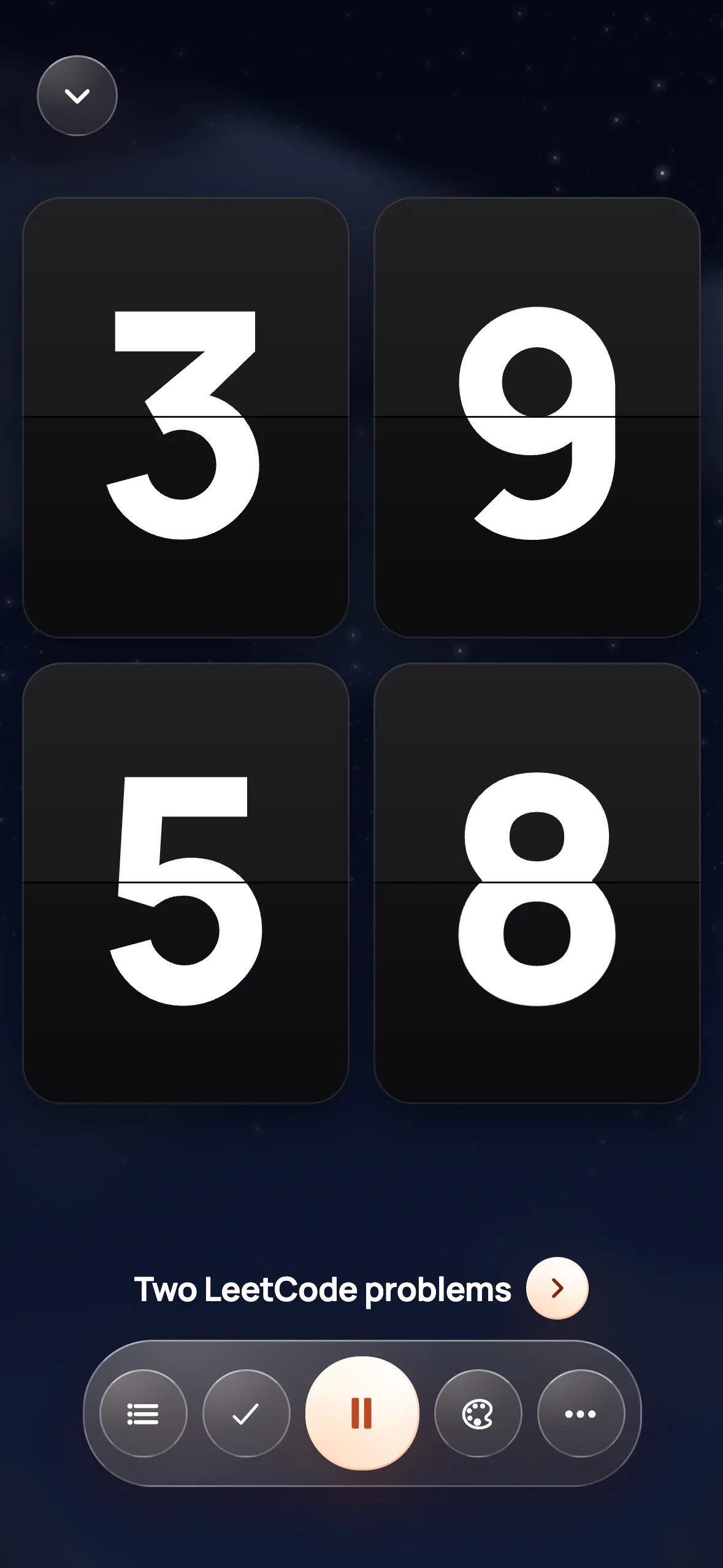
Calm, Dial, Minimal or Flip, in the mood you like. It runs on the Lock Screen too.
Stay on one thing
Pause, add time or finish from the Lock Screen. On iPhone, the apps you chose stay shut until then.
What you get
- Four clock looks and several moods
- Live Activity on the Lock Screen and in the Dynamic Island
- Android: the timer in your notifications with Pause, +5 min and Finish
- Alarms that really ring for tasks that must not slip
Questions
Is Floe a Pomodoro timer?
You can use it that way, but each block is tied to a task in your plan and can be any length you choose.
Does the timer show on the Lock Screen?
Yes. On iPhone it runs as a Live Activity on the Lock Screen and in the Dynamic Island. On Android it sits in your notifications.
Can it block apps while the timer runs?
On iPhone, yes: the apps you pick are held back during focus through Screen Time. On Android, Floe shows your app time instead.