
App blocker for iPhone
An app blocker that knows what you’re meant to be doing.
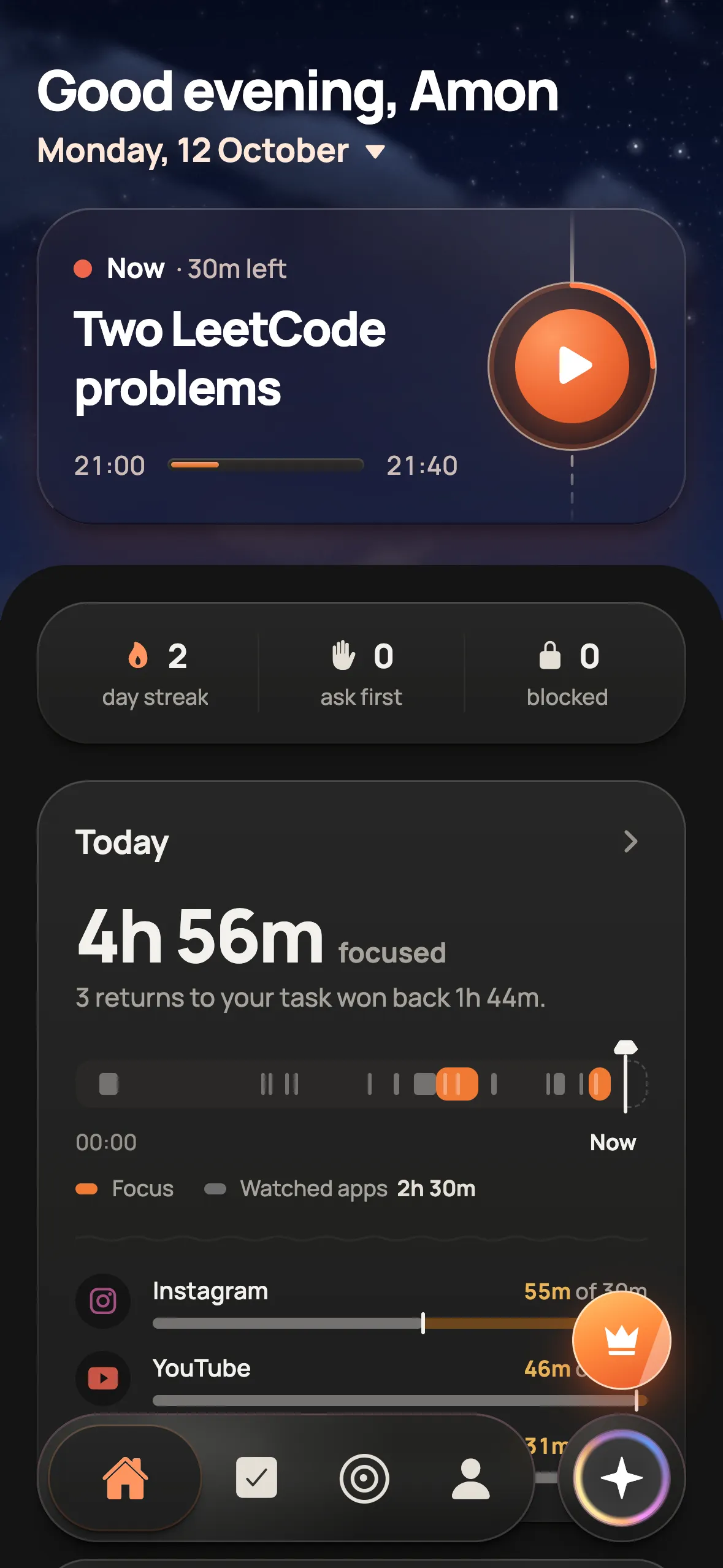
Most blockers only know the clock. Floe knows your plan: during a focus block the apps you pick stay shut, and opening one shows the task you planned instead of a wall.
How it works
Pick the apps that pull you in
Choose them once with Apple’s Screen Time picker: Instagram, TikTok, YouTube, whatever wins too often.
Plan your blocks
Say or type your day and Floe AI lays it out with times. Each focus block knows which task it is for.
Open one anyway
Floe’s shield says the app stays closed and shows your task. One tap takes you back to the running timer.
What you get
- Blocks only during the blocks you planned, so breaks stay breaks
- Uses Apple’s Screen Time (Family Controls) on iPhone
- Planner, app blocker and focus timer in one app
- On Android, Floe shows your app time instead of blocking
Questions
How does Floe block apps on iPhone?
Through Apple’s Screen Time (Family Controls). You choose the apps, and during a focus block they are shielded. Open one and you see the task you planned, with a one-tap way back.
Does Floe block apps all day?
No. Apps are held back only during the focus blocks you planned. Outside them, and during breaks, your phone works as usual.
Does Floe block apps on Android?
Not today. On Android, Floe reads your app time through Usage access and shows where your time goes, app by app.
How is Floe different from Opal or one sec?
Opal and one sec are blockers. Floe is a planner, a blocker and a focus timer in one, so the block knows which task it is protecting. See the side-by-side comparisons for details.